You downloaded it. It cost nothing. So it must be free software, right?
Not quite. In fact, some of the most popular "free" tools on the internet are about as free as a rental car. You can drive it, but you cannot look under the hood, you cannot modify it, and the company can take it back whenever it likes.
If you have ever wondered why developers get so worked up about the words "free" and "open source," this post is for you. By the end, you will be able to spot the difference in under 10 seconds, and you will know exactly which type of software to pick for your next project.
Let's clear it up for good.
The one sentence that explains everything
Here it is: "Free" is about freedom. "Open source" is about the code. "Free of charge" is about your wallet.
These are three different ideas, and the confusion comes from English using one word, "free," for two of them. The free software movement famously says you should think "free as in free speech, not free as in free beer."
Keep that sentence in mind and the rest of this post will click into place.
What "free software" actually means
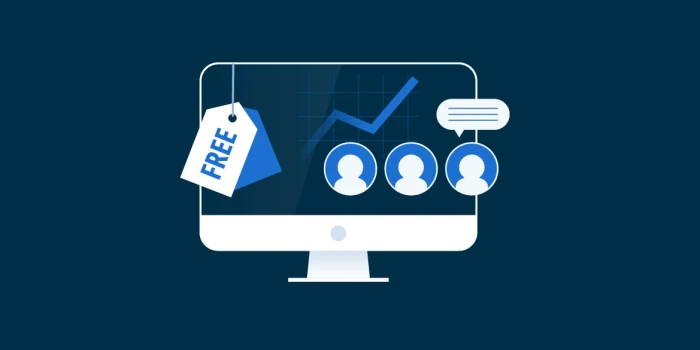
Free software is a philosophy before it is a price tag. The term was defined by Richard Stallman and the Free Software Foundation in the 1980s, and it rests on four freedoms the user must have:
- Freedom to run the program for any purpose, anywhere, anytime.
- Freedom to study how it works and change it (so you need access to the source code).
- Freedom to share copies with anyone you like.
- Freedom to share your modified versions so the whole community benefits.
If a program gives you all four freedoms, it is free software. If it is missing even one, it is not, no matter what it costs.
This is why free software people care about ethics and user rights. To them, locking away the source code is not just inconvenient, it is wrong.
What "open-source software" actually means
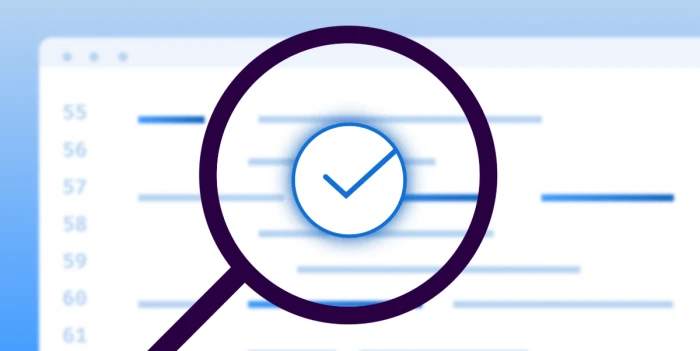
Open source came later, in 1998, when a group of developers wanted to pitch the same idea to businesses without the activist tone. The Open Source Initiative (OSI) created a definition focused on practical benefits:
- The source code is publicly available.
- Anyone can modify and redistribute it.
- The license cannot discriminate against people, groups, or fields of use.
Sound familiar? It should. Almost every open-source license also qualifies as a free software license, and vice versa. The code is usually identical.
The difference is the pitch. Free software says, "Users deserve freedom." Open source says, "Shared code produces better, faster, more secure software." Same destination, different reason for the trip.
Free vs open source: side by side
| Free Software | Open-Source Software | |
|---|---|---|
| Core focus | User freedom and ethics | Development quality and collaboration |
| Who coined it | Free Software Foundation (1985) | Open Source Initiative (1998) |
| Source code available? | Yes, always | Yes, always |
| Can it cost money? | Yes | Yes |
| Typical licenses | GPL, AGPL (copyleft) | MIT, Apache, BSD (permissive), plus GPL |
| Tone | Movement, principles | Business, pragmatism |
| Classic example | GNU/Linux, GIMP | Android, Kubernetes, VS Code (core) |
The honest takeaway: in day-to-day use, free software and open-source software overlap almost completely. The real trap is not between those two. It is the one below.
The trap: "free download" does NOT mean free software
This is where most people get burned.
A tool can be $0 and still be fully proprietary. That category has a name: freeware. You get the product, not the rights. You cannot see the code, cannot modify it, and cannot redistribute it. The company can add a paywall, change the terms, or shut it down tomorrow.
Here is a perfect real-world example. Look at any comparison of screen recording tools and you will find ClipChamp listed at $0.00 on a freemium plan, with its license marked as Proprietary. Zero dollars, zero source code. That is freeware, not free software.
Now compare it with OBS Studio on the same page: also $0.00, but labeled Free and Open source. Same price, completely different rights.
That gap matters more than most people realize. The reasons users stick with OBS say it plainly: no subscriptions, no watermarks, no resolution locks, and no limits on recording time. Those guarantees exist precisely because the code is open. Nobody can quietly flip a switch and start charging you.
Real examples: four tools, four different stories
To see how messy this gets, let's walk through four tools you have probably used or at least heard of.
OBS Studio: free AND open source (the gold standard)
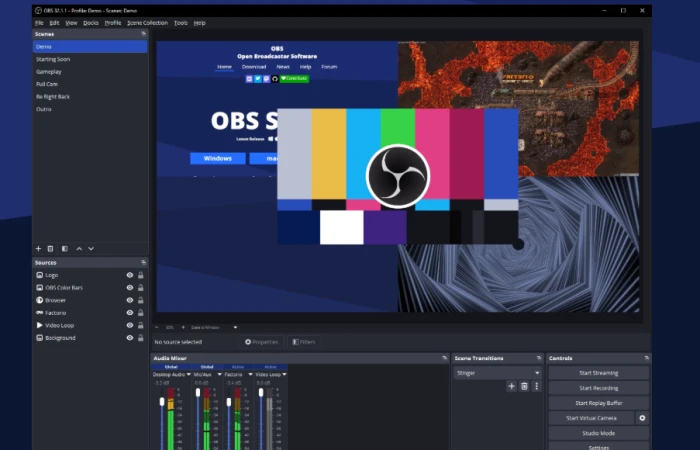
OBS Studio gives creators precise control over video, audio, scenes, and encoding for recording a screen or running a live broadcast, all without subscription fees. It is the rare tool that wins on every axis: free of charge, free as in freedom, and open source. The tradeoff? The settings can overwhelm new users, and poor encoder choices can quickly cause lag or dropped frames. Freedom sometimes comes with a learning curve. You can see how it stacks up against paid rivals in this side by side of OBS Studio alternatives.
Loom: freemium AND proprietary (the convenience play)
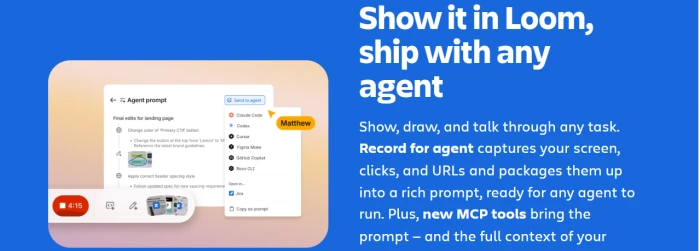
Loom starts at $15.00 on a freemium model with a proprietary license. There is a free tier, but the code is closed and the free tier exists to upsell you. Nothing wrong with that, as long as you know what you are getting. When a meeting would be overkill but text lacks context, Loom makes it quick to record an explanation and send it as a link. You are paying for polish, not freedom. Curious what people switch to? There is a ranked list of Loom alternatives with pricing and license details.
n8n: the "looks open, isn't quite" case
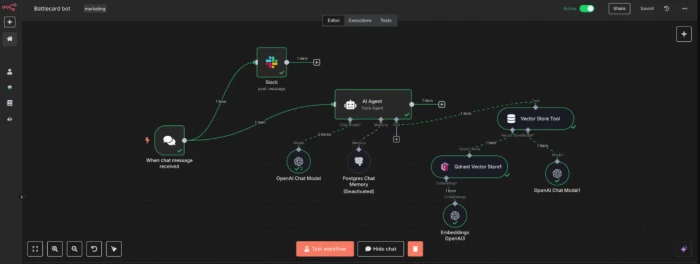
This one trips up even experienced developers. n8n publishes its source code on GitHub, so people assume it is open source. But in a proper breakdown of n8n and its alternatives, it is listed at $20.00 on a freemium model with a Proprietary license, and one of the main reasons people leave is that its source-available licensing restricts some commercial hosting and embedding use cases.
That is the key phrase: source-available. You can read the code, but the license does not grant all the freedoms that free or open-source software requires. It is a third category sitting between open and closed, and it is becoming more common every year.
Zapier: paid, proprietary, and proud of it
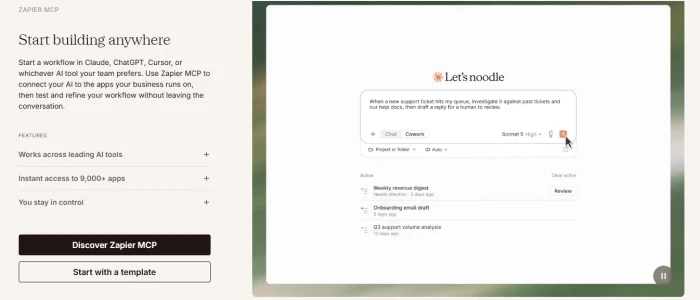
Zapier sits at $19.99 on a freemium plan with a proprietary license, and it never pretends to be anything else. It connects services and runs workflows without a full software project. You trade ownership for zero setup. Fair deal for many teams, bad deal if you need to self-host or audit the code. The full list of Zapier alternatives shows how few automation tools in this space are truly open.
How to tell the difference in 10 seconds
You do not need to read a license agreement. Ask two questions:
- Can I see and modify the source code? If no, it is proprietary, regardless of price.
- Does the license let me use it commercially and redistribute it? If no, it is source-available, not open source.
Even faster: use a directory that already did the work. A good software alternatives directory lets you filter every list by pricing model (Free, Freemium, Paid) and by license (Open source, Proprietary) without digging through legal text. Keeping Pricing and License in separate columns is this entire article in table form: price and freedom are different things, so they get different columns.
Which one should you choose?
The right answer depends on what you value most, so start with your priority and work backward.
Privacy and zero surprises. Hobbyists and individual users get the most out of free and open-source tools. OBS Studio costs nothing, respects your data, and will never ambush you with a paywall. The only price is a steeper learning curve.
Speed and polish. Creators who need to ship content fast often do better with freemium proprietary tools like Loom and ClipChamp. You are buying convenience and support rather than ownership. Just remember that a free tier can shrink without warning.
Control over lock-in. Businesses should read the license, not the price. Source-available tools like n8n may block the exact use case you need, such as embedding, reselling, or commercial hosting. True open source gives you an exit route whenever a vendor changes direction. Proprietary SaaS gives you accountability and a support desk. Choose based on how much dependence you can live with.
A foundation to build on. Developers should stick with OSI-approved licenses (MIT, Apache, GPL) for anything that becomes part of their own product. Treat "source-available" as a yellow flag and read the restrictions before you commit a single line of code.